MangaShift.
I.MangaShift / private beta / 2026001 / 008

Manga to narrated video

Turn manga into a story you can watch.

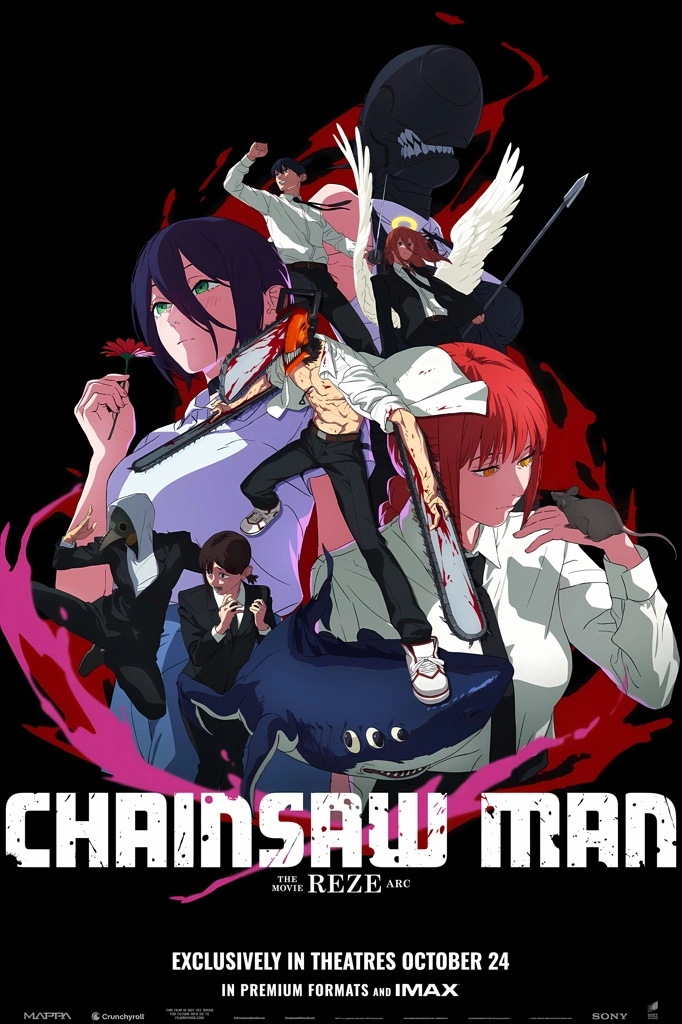
MangaShift reads every panel, follows the original flow, adds narration and motion, then renders a finished video. No timeline. No manual cut.
01
Panel-aware pacing
02
Character narration
03
Ready-to-share video
Motion study / 01
Editorial collage representing MangaShift motion direction
Source manga frame
SourcePanel 001
Building nowOpen · 12 modules · 3 in beta
  • Panel detection
  • Reading-order analysis
  • AI narration
  • Character voices
  • Subtitles
  • Video export
  • Speech bubble parsing
  • Frame interpolation
  • Color grading
  • Auto chapters
  • Voice cloning
  • Lip-sync timing
  • Panel detection
  • Reading-order analysis
  • AI narration
  • Character voices
  • Subtitles
  • Video export
  • Speech bubble parsing
  • Frame interpolation
  • Color grading
  • Auto chapters
  • Voice cloning
  • Lip-sync timing
  • Panel detection
  • Reading-order analysis
  • AI narration
  • Character voices
  • Subtitles
  • Video export
  • Speech bubble parsing
  • Frame interpolation
  • Color grading
  • Auto chapters
  • Voice cloning
  • Lip-sync timing
  • Panel detection
  • Reading-order analysis
  • AI narration
  • Character voices
  • Subtitles
  • Video export
  • Speech bubble parsing
  • Frame interpolation
  • Color grading
  • Auto chapters
  • Voice cloning
  • Lip-sync timing
  • Panel detection
  • Reading-order analysis
  • AI narration
  • Character voices
  • Subtitles
  • Video export
  • Speech bubble parsing
  • Frame interpolation
  • Color grading
  • Auto chapters
  • Voice cloning
  • Lip-sync timing
  • Panel detection
  • Reading-order analysis
  • AI narration
  • Character voices
  • Subtitles
  • Video export
  • Speech bubble parsing
  • Frame interpolation
  • Color grading
  • Auto chapters
  • Voice cloning
  • Lip-sync timing
  • OCR
  • Translation
  • Text-to-speech
  • Scene pacing
  • Sound design
  • Auto-cut
  • Motion tracking
  • Depth parallax
  • Ambient score
  • Subtitle styling
  • Export presets
  • Batch render
  • OCR
  • Translation
  • Text-to-speech
  • Scene pacing
  • Sound design
  • Auto-cut
  • Motion tracking
  • Depth parallax
  • Ambient score
  • Subtitle styling
  • Export presets
  • Batch render
  • OCR
  • Translation
  • Text-to-speech
  • Scene pacing
  • Sound design
  • Auto-cut
  • Motion tracking
  • Depth parallax
  • Ambient score
  • Subtitle styling
  • Export presets
  • Batch render
  • OCR
  • Translation
  • Text-to-speech
  • Scene pacing
  • Sound design
  • Auto-cut
  • Motion tracking
  • Depth parallax
  • Ambient score
  • Subtitle styling
  • Export presets
  • Batch render
  • OCR
  • Translation
  • Text-to-speech
  • Scene pacing
  • Sound design
  • Auto-cut
  • Motion tracking
  • Depth parallax
  • Ambient score
  • Subtitle styling
  • Export presets
  • Batch render
  • OCR
  • Translation
  • Text-to-speech
  • Scene pacing
  • Sound design
  • Auto-cut
  • Motion tracking
  • Depth parallax
  • Ambient score
  • Subtitle styling
  • Export presets
  • Batch render
II.Why MangaShift002 / 008

The idea

Keep the art. Add voice, pacing and motion.

MangaShift is not an image generator. It is a production pipeline for artwork that already exists. The page remains the source; AI handles the repetitive work between scan and screen.
01
Keep the composition
The camera follows the artist’s panel order instead of inventing a new scene.
02
Direct the voice
Dialogue, narration and pauses are shaped around what happens on the page.
03
Publish the result
The output is a video made for watching, sharing and iterating.
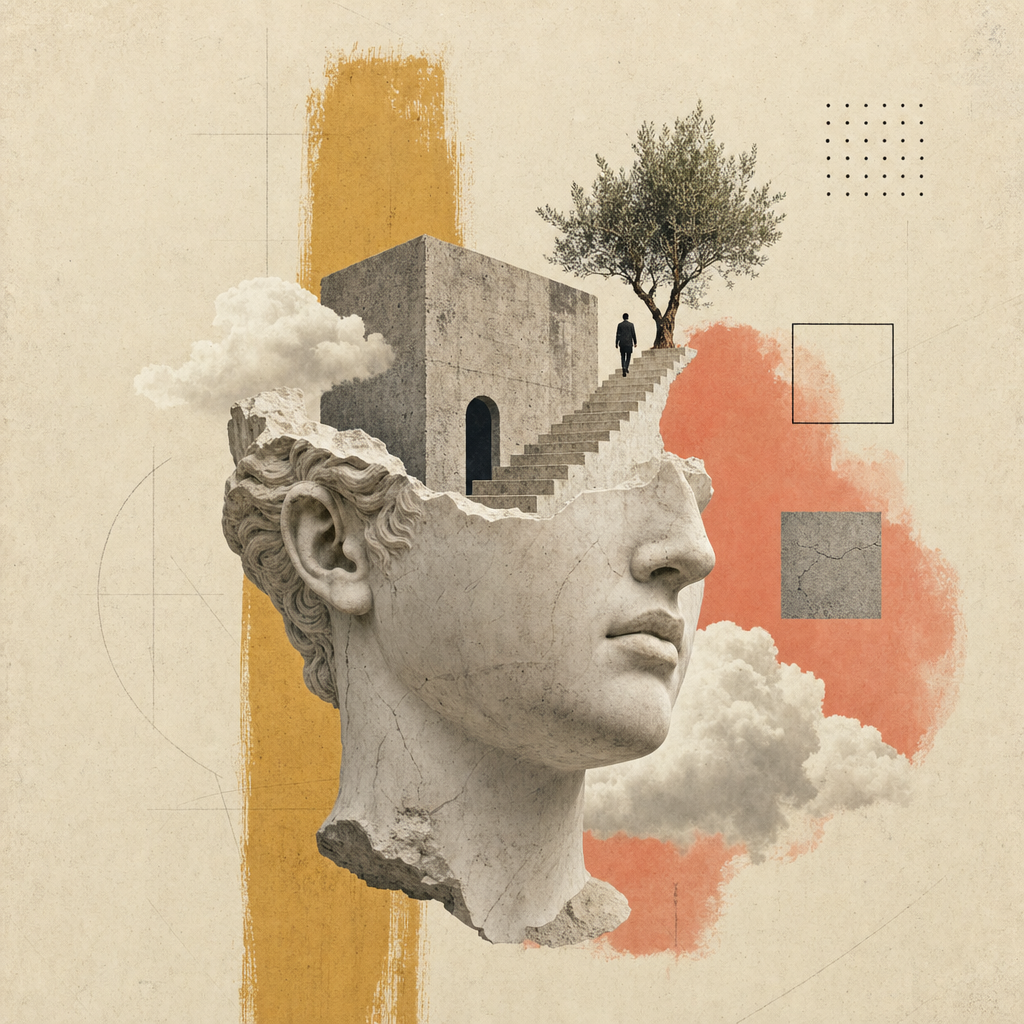
Editorial collage representing the MangaShift visual direction
Source frame01

The artwork stays recognizable. Motion and audio support the reading rhythm instead of covering it up.

III.How it works003 / 008

One clear pipeline

From silent page to narrated scene.

Four stages replace the usual editing timeline. The illustration stays central; each step adds one clear layer to the final sequence.

  1. Source
    01

    Upload

    Add a page, chapter or vertical webtoon. MangaShift accepts the artwork as it is.

  2. Vision
    02

    Understand

    The pipeline finds panels, reading direction, speech bubbles and scene changes.

  3. Voice + motion
    03

    Direct

    Dialogue gets a cast, narration gets timing, and each panel receives a camera move.

  4. Output
    04

    Render

    Video, audio and subtitles are composed into a finished file ready to publish.

IV.Capabilities004 / 008

Built for the page

The production work, without the production mess.

Each feature exists to shorten the path from finished artwork to a watchable, narrated format.

Capability 01

Narration that follows the scene

The script is built from panel order and dialogue context, so the voice follows the page instead of reading a text dump.

Capability 02

Panel-aware camera

Framing respects manga and manhwa layouts, including right-to-left reading.

Camera · RTL aware
Capability 03

Captions included

Speech, narration and subtitles stay synchronized with the final cut.

Subtitles · in sync
Capability 04

One finished export

Get a video file for horizontal or vertical publishing without rebuilding the edit.

Output · one file
V.Who it is for005 / 008

One engine, different stories

Built around the way you want to use manga.

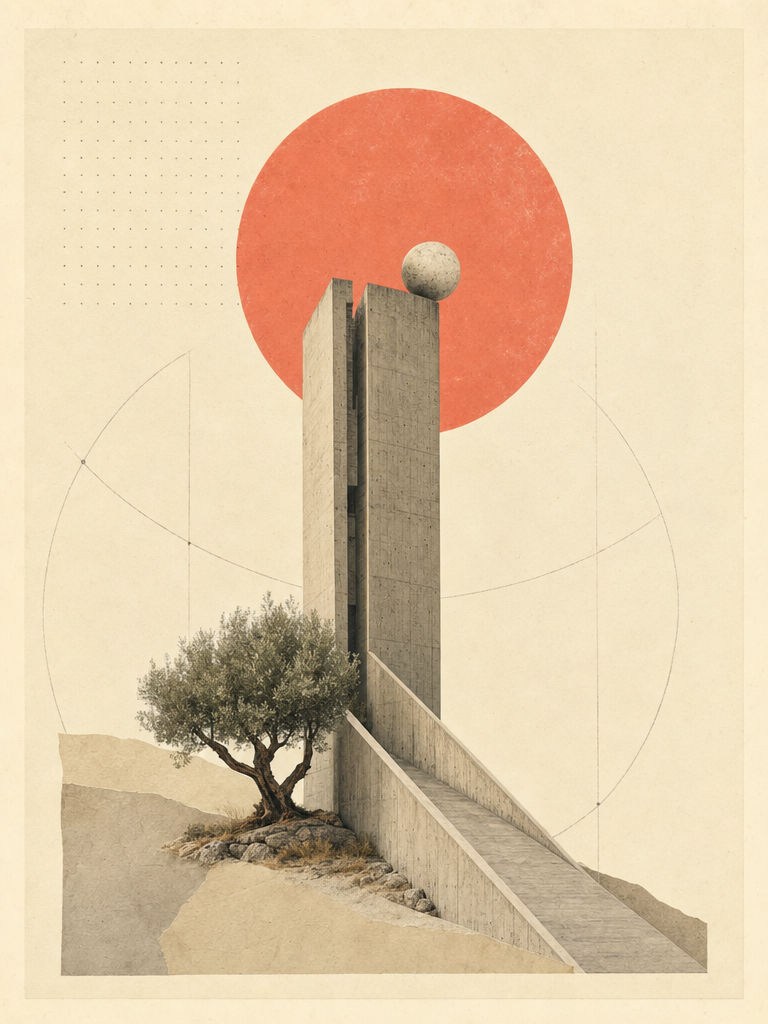
Choose a point of view. The active panel slides into place and shows how the same pipeline changes for readers, creators and publishing teams.
MODE 01 / VIEW
Readers

Watch the chapter

A calmer way to follow the story.

Narration, readable captions and panel-led motion turn a chapter into a format that works on a commute, on a TV or when reading feels tiring.

  • 01Hands-free playback
  • 02Original panel order
  • 03Captions included
Join the beta
VII.Demo output007 / 008

See the format

A page that knows when to move.

This sample shows the direction: panel-led framing, narration timing and motion composed into one watchable sequence.

Input
Manga
Format
Video
Stage
Beta
Get beta access
Animated manga to video sample
Preview · beta render
Source · static panelsOutput · narrated motion
From page to sequence
Source

The static page

01
Read

Panel order

02
Direct

Voice & motion

03
Render

The narrated cut

04
Output

Ready to share

05
VIII.Frequently asked008 / 008

Before you join

A few clear answers.

MangaShift is still in active development. These answers describe the beta direction without pretending unfinished parts are already final.

11questions
answered

A narrated video built from your manga or manhwa pages. The pipeline detects panel order, prepares the script, adds voices and motion, then renders the result.

Private beta

Your manga could be next.

Leave your email to receive a beta invitation. You will hear from us when there is a real build to test, not another generic newsletter.

  • Free during beta
  • No credit card
  • Early product access

Request access

Join the MangaShift list

Only useful product emails. Unsubscribe whenever you want.